Zoom & Teams4 min read
Recording a Zoom, Teams, or Meet call into a searchable CantoNotes workspace
Keep the video app. Send the audio to a workspace that files the meeting, writes notes, and lets you ask later — with a bot, an upload, or (soon) a local app.
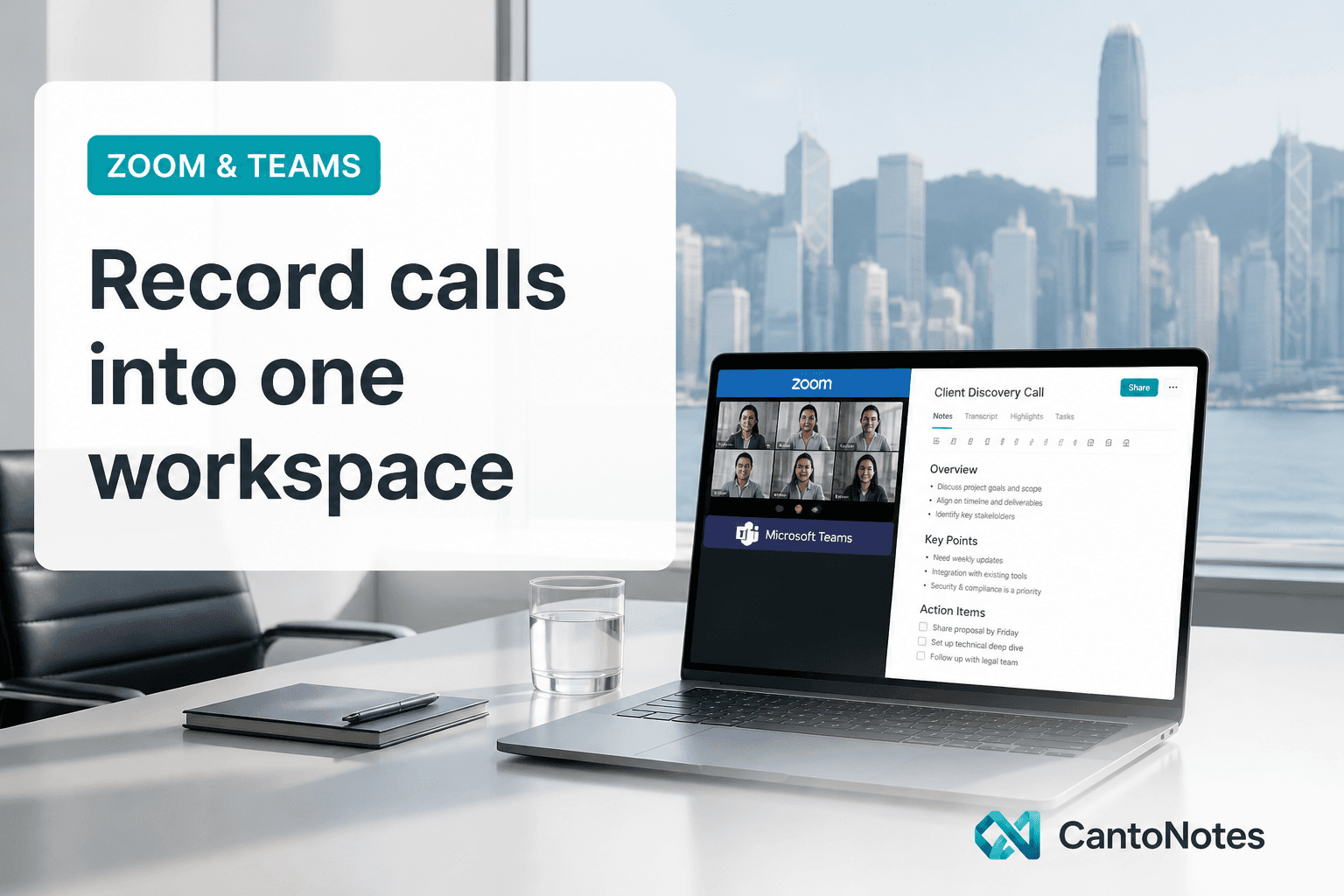
The conference app is not the archive. If the only copy of a client call lives in Zoom’s cloud recording, you will lose it twice: once when the link expires or the host leaves, and once when nobody can search Cantonese by meaning. The job is to land the audio in a workspace you own, next to notes and to-dos, under a project with actual permissions.
CantoNotes is that workspace. Capture is deliberately boring on purpose: a meeting bot for Zoom, Teams, and Google Meet, or an upload on the web. Mobile recording and a desktop helper that notices those apps are coming soon — not pretend-shipped. Calendar sync exists so the bot can join; we do not push the notes out to Slack or Notion.
Tell the room. Then pick a capture path.
A bot in the participant list is a recording. Say so. For internal standups this is a habit. For clients and interviews it is basic professionalism. Consent is not a subtitle in the product UI; it is something you do in the first thirty seconds of the call.
Then choose how the file arrives:
- Meeting bot — calendar-aware join for Zoom, Teams, and Google Meet. Best when you do not want to hit record yourself.
- Web upload — you already have an audio file (phone, backup recorder, an export). Common formats; same processing pipeline.
- Mobile and desktop — coming soon. Same account, same projects; capture where the meeting actually happens.
File it in a project before you care about the notes
If every meeting lands in one bucket, you have a slightly nicer Drive. Projects are the unit of collaboration: one client, one internal squad, one hiring round. Roles (owner, admin, editor, viewer) decide who can see the transcript. The agent later asks only inside what you can already open.
Name the meeting the way you would search it in six weeks — account plus topic plus date — not “Zoom recording 3.” The AI can search by meaning; your teammates still think in titles.
Credits are minutes. That is the honest meter.
Processing a meeting consumes credits at one credit per processed minute. Regenerating notes costs a fraction of that. Agent messages cost a few credits. Search is included. There is no unlimited plan on the marketing site because there is no unlimited compute in the product. Free is enough to try the full pipeline; paid plans add hours, projects, seats, and exports.
If a month is heavy, you top up. If a month is light, unused plan credits reset with the cycle; purchased packs last longer. The pricing page is the source of truth for numbers — do not copy a round figure from a blog post into a contract.
After the call: skim, assign, ask
- Open the notes, not the waveform. Two-minute catch-up: summary, decisions, to-dos.
- Correct owners and due dates while the room is still in your head. The extraction is a draft.
- Spot-check names and mixed terms in the transcript if the meeting will be quoted.
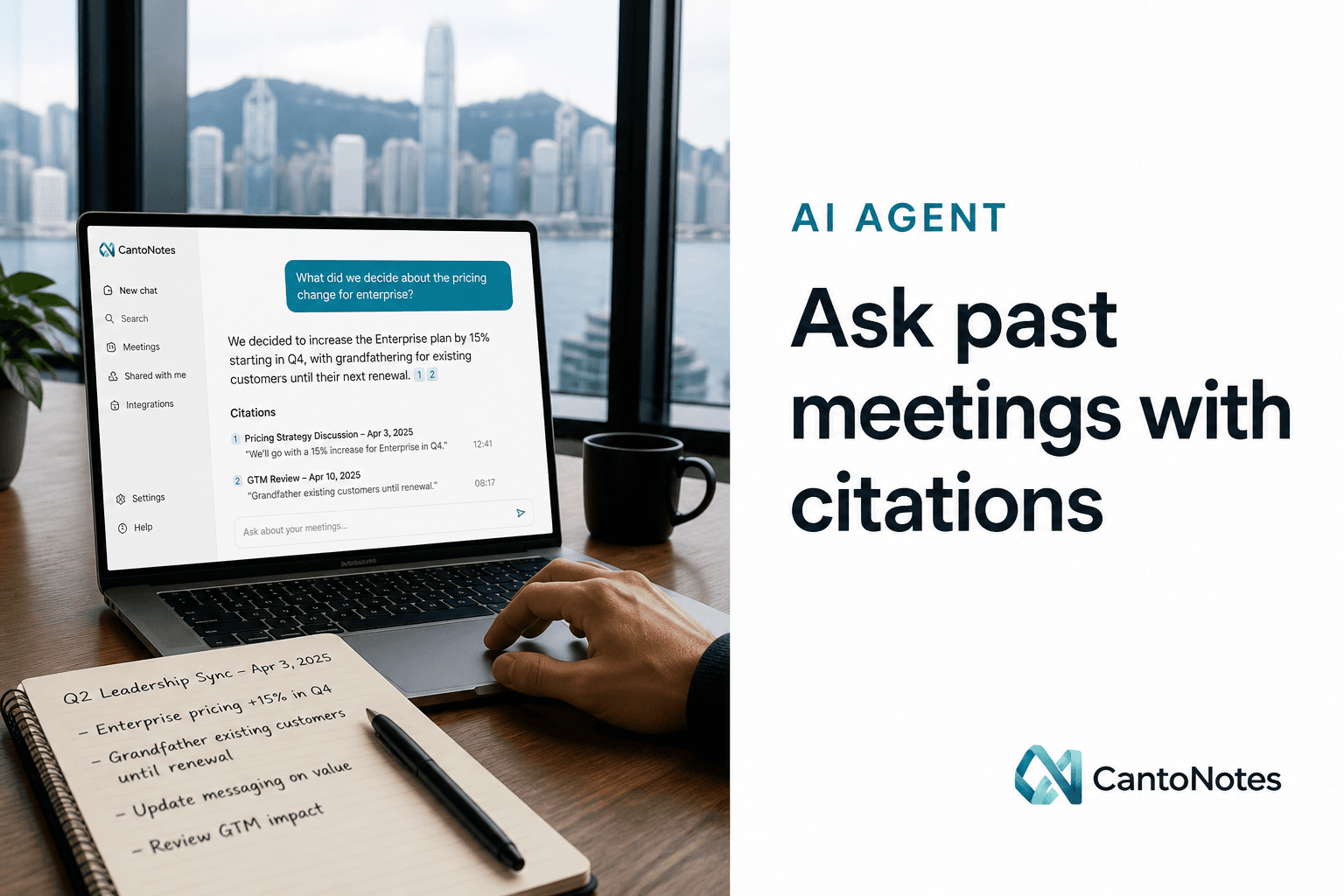
- When someone asks later, ask the assistant in the same workspace. Demand the citation.
Export when a file must leave: PDF minutes for a client, Markdown for an archive, SRT if a recording will be cut. The workspace remains the place you search. Emailing a PDF and deleting the meeting is how you return to the 11 p.m. problem.
What this workflow does not claim
It does not replace Zoom. It does not claim SOC 2, SAML, or a private model. It does not auto-file tasks into Jira. It does not listen on your laptop until the desktop app exists. It does one job well enough to stop using the video app as a knowledge base: Cantonese-aware transcript, notes, to-dos, and an assistant that shows its sources — in a project your team can actually find next month.
Sign up, send the bot to the next call (or upload last week’s audio), and judge it on whether the absent teammate can catch up without you on the line.
A week of this in a real SME looks ordinary: Monday standup via bot, a client complaint uploaded from a phone recording, a Teams hiring panel that the bot joined from the calendar. By Friday the project has notes, to-dos, and something you can ask. Nobody has rebuilt a minutes doc at 11 p.m. That is the test — not a feature matrix against every video vendor.
If the bot cannot join a locked waiting room, upload the host recording. If a guest objects to a bot, say so and fall back. The workspace still needs the audio; the capture path can be unglamorous. What you should not do is leave the only copy inside the conference app and hope next quarter’s you still has the password.