Zoom & Teams4 min read
Why Zoom and Google Meet notes fail on Cantonese meetings
Built-in meeting notes are fine when everyone speaks one language. Hong Kong calls do not. Here is what breaks — and what to keep the video app for.
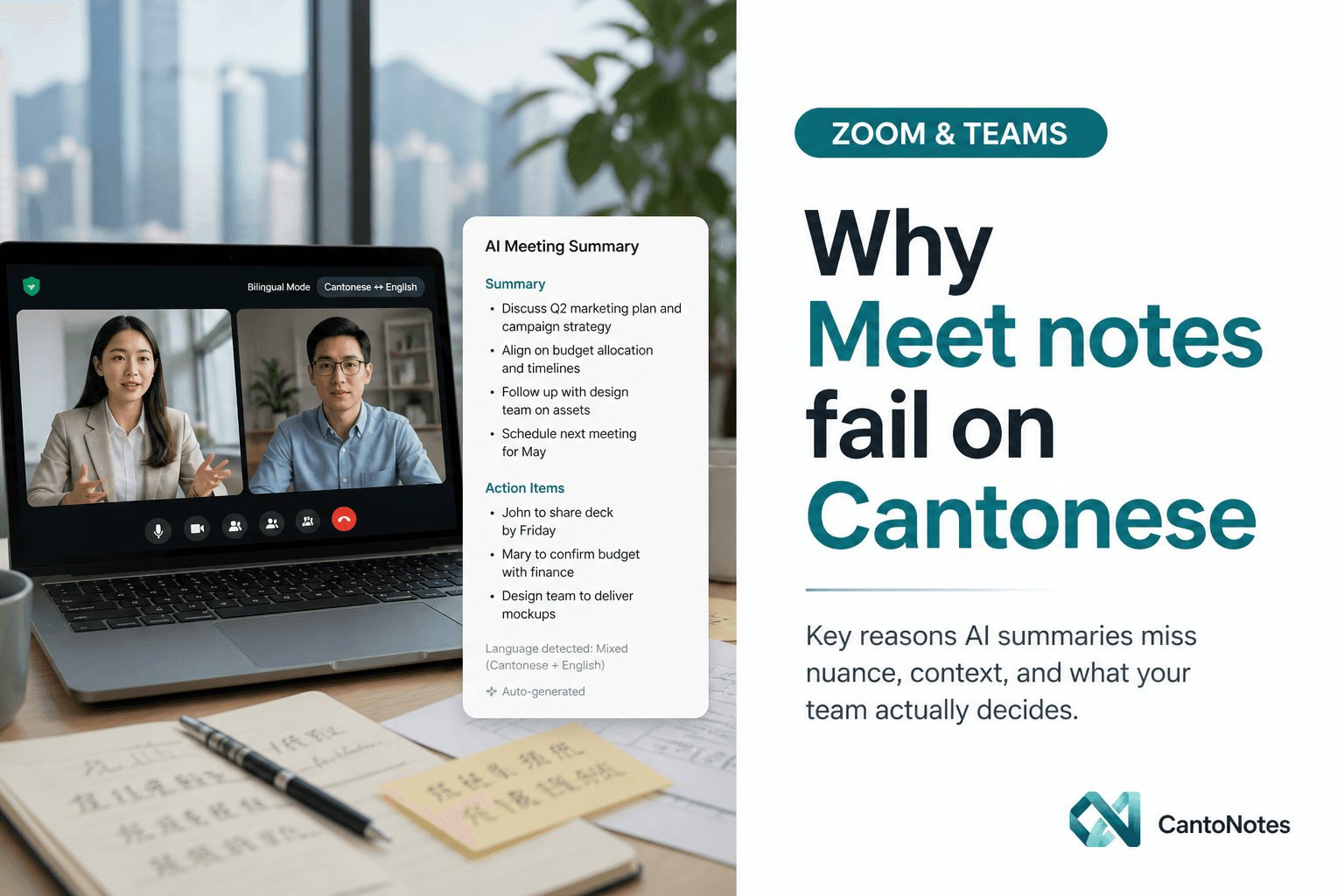
A Tuesday ops standup on Zoom. Half the room in Cantonese, a sentence of English for the SKU name, a Mandarin update from the Shenzhen teammate, then back to 粵語 for the complaint that actually matters. When the call ends, Zoom offers you “AI notes.” Google Meet does the same. The summary reads like a different meeting: flattened English, missing names, and a to-do list that could belong to any company.
This is not a small quality gap. For Hong Kong teams, the built-in note is often unusable — not because Zoom or Meet are bad video products, but because their note layer was trained and productized for a different kind of speech. You can keep using them to meet. You should not trust them as the system of record for what was said.
The note layer is English-first (or Mandarin-first)
Most “AI companion” notes optimize for North American English, then for mainland Mandarin as a second major market. Cantonese is treated as a dialect of Chinese, or as noise on an English call. That shows up in three predictable ways.
- Particles and tone disappear. 啦、喎、吓、嘅 carry agreement, hesitation, and pushback. Drop them and you lose whether someone actually committed.
- Code-switching is “cleaned up.” A sentence that starts in Cantonese and lands on an English product name gets rewritten into one language — usually the wrong one.
- Summaries prefer generic verbs. “We will follow up” replaces “Alan 今日交報價, Mandy check 個 SLA.” The minutes become true in the vague sense and false in the useful sense.
If your team already writes minutes in English for overseas clients, that rewrite can look convenient. It is still a lossy compression of the meeting you actually had. The people who were in the room know it. The people who missed the call cannot reconstruct it.
Names, brands, and numbers are where trust dies
Hong Kong speech is full of items that a generic model has no reason to get right: 陳 vs Chan, 周 vs Chow, a customer’s English trade name next to a Chinese legal name, a brand said in English inside a Cantonese sentence, a dollar figure said as “thirty-eight萬.” Built-in notes often pick a plausible character and move on.
That is acceptable for a tourist vlog. It is not acceptable for a QBR, a hiring debrief, or a supplier argument. Once a name is wrong in the official note, every later search and every later AI answer is wrong too. Teams then go back to the recording — which means the note did not save any time.
If you cannot search last month’s call for the client’s actual name, you do not have meeting notes. You have a souvenir.
A note inside the video app is not a workspace
Even when the transcript is decent, Zoom and Meet keep the artifact next to that one meeting. You cannot ask “what did we promise this account in August?” across six calls. You cannot keep Client A and the internal ops standup in separate projects with different people allowed to see them. You cannot turn “Mandy follow up by Friday” into a to-do that still sits on the project next week.
So teams export, paste into a doc, and re-type the action list in a spreadsheet. The AI note becomes a draft that someone still has to babysit. That is the opposite of the pitch.
What you should still use Zoom and Meet for
Use the video app to meet. Calendars, waiting rooms, screen share, and the bot or recorder that captures audio are the right jobs for Zoom, Teams, and Google Meet. The failure is treating their companion summary as minutes you would send to a client or file for the team.
- Keep the call in Zoom / Teams / Meet — that is the conference layer.
- Send a meeting bot, or export the audio, into a notes workspace that is actually tuned for Cantonese and mixed speech.
- File the meeting in a project, with a transcript you can open and notes you can skim in two minutes.
- Let to-dos live next to the meeting, not in a chat thread that scrolls away.
What a Cantonese-aware pipeline actually changes
A pipeline built for Hong Kong speech does not “translate the meeting into Mandarin so the model can cope.” It keeps 中英夾雜 in the transcript, labels who said which line, and writes minutes that still sound like the room. The English product names stay English. The Cantonese decision stays Cantonese until you choose a more formal minutes tone.
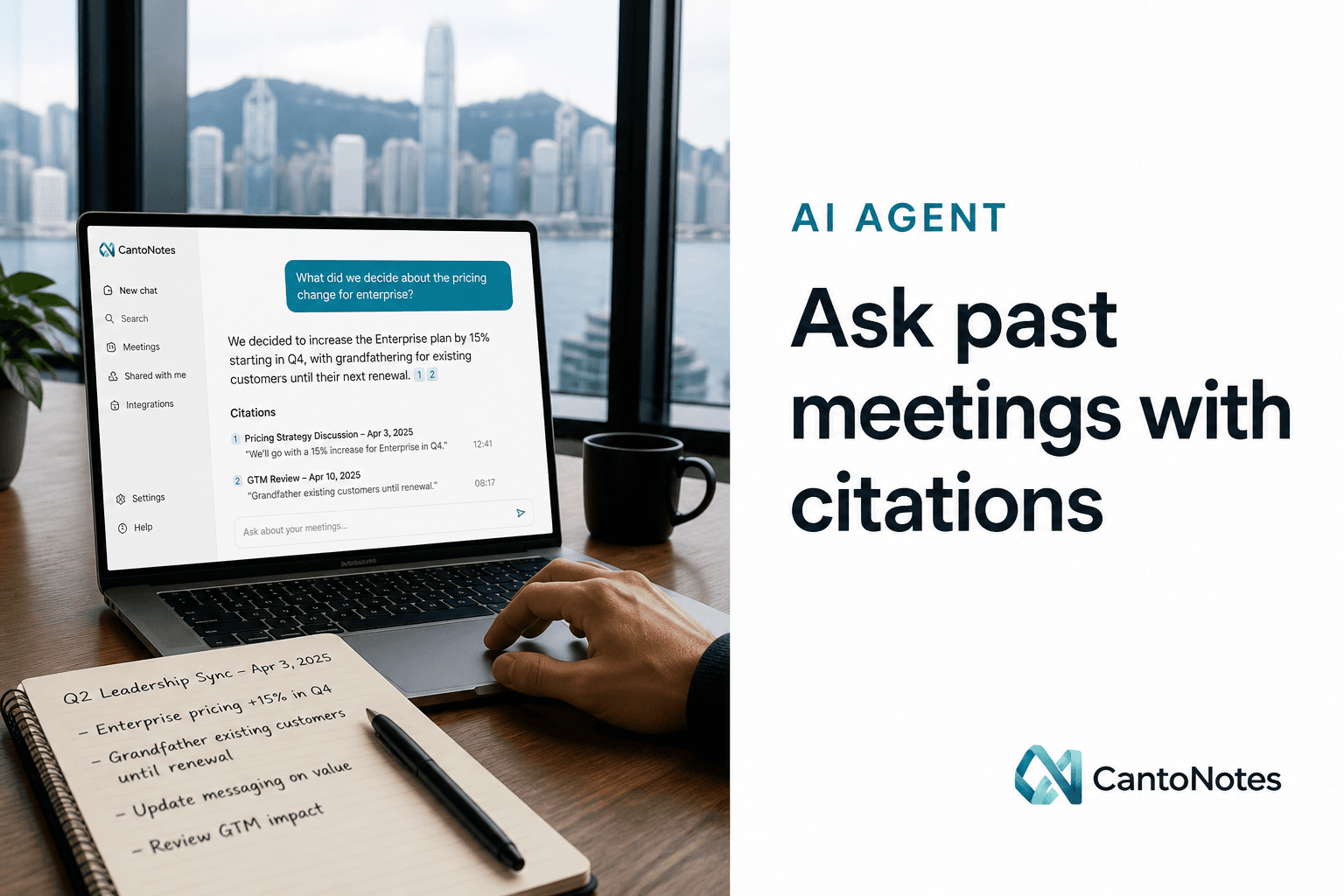
CantoNotes sits on CantoSub speech AI for that transcription step, then turns the same recording into a summary, discussion points, decisions, and owner-ready to-dos. You can ask later questions against that workspace — with citations back to the line — instead of hoping the Zoom companion remembered the name. Mobile and desktop capture are still coming; the web app can take an upload or a meeting bot today.
None of this requires you to leave Zoom. It requires you to stop asking a video product to be your company’s memory.